 Polaris React
Patterns
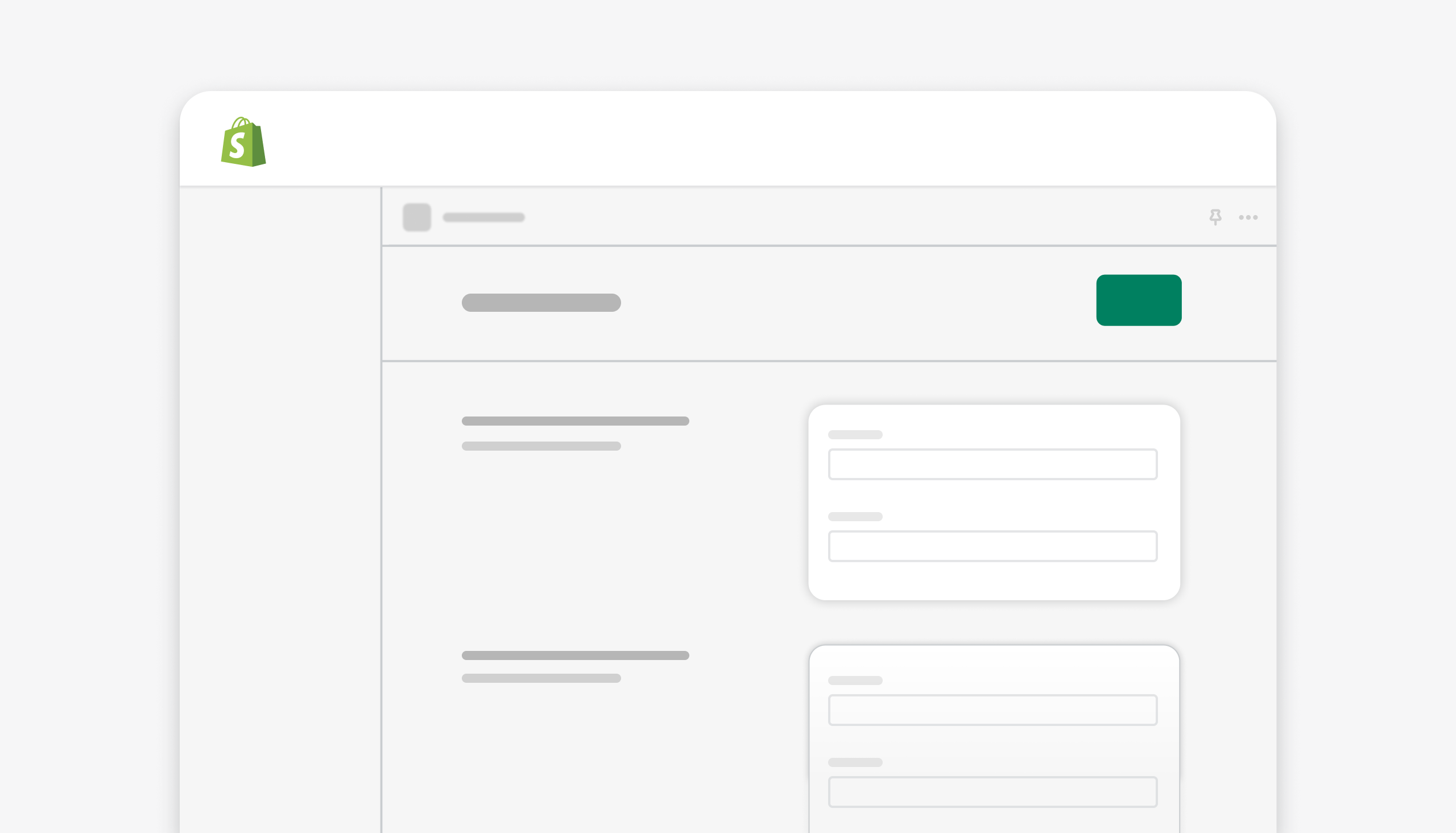
App settings layout
Scan and find groups of settings in apps
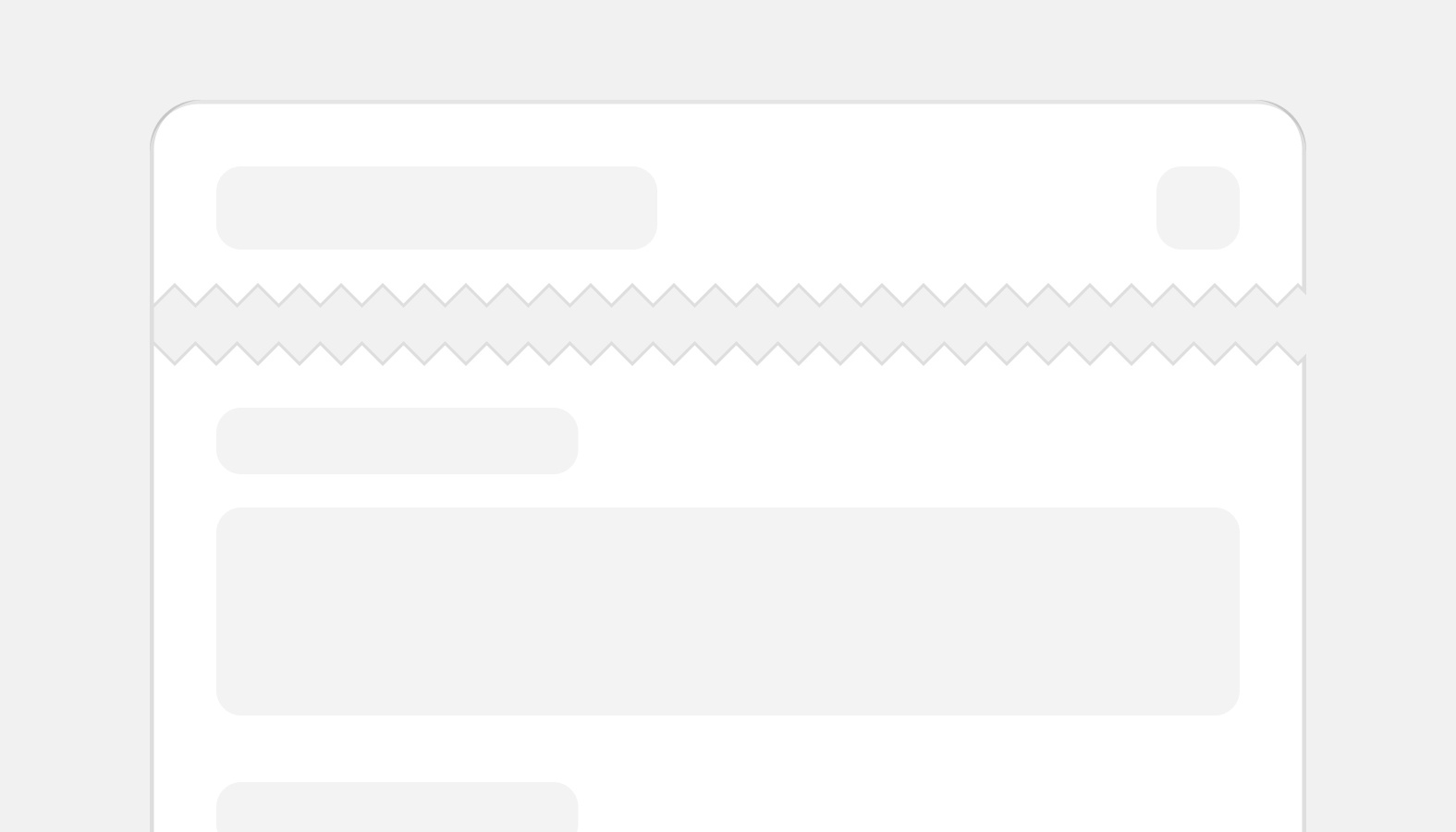
Card layout
Standardized card layout gives merchants a content structure to rely on.
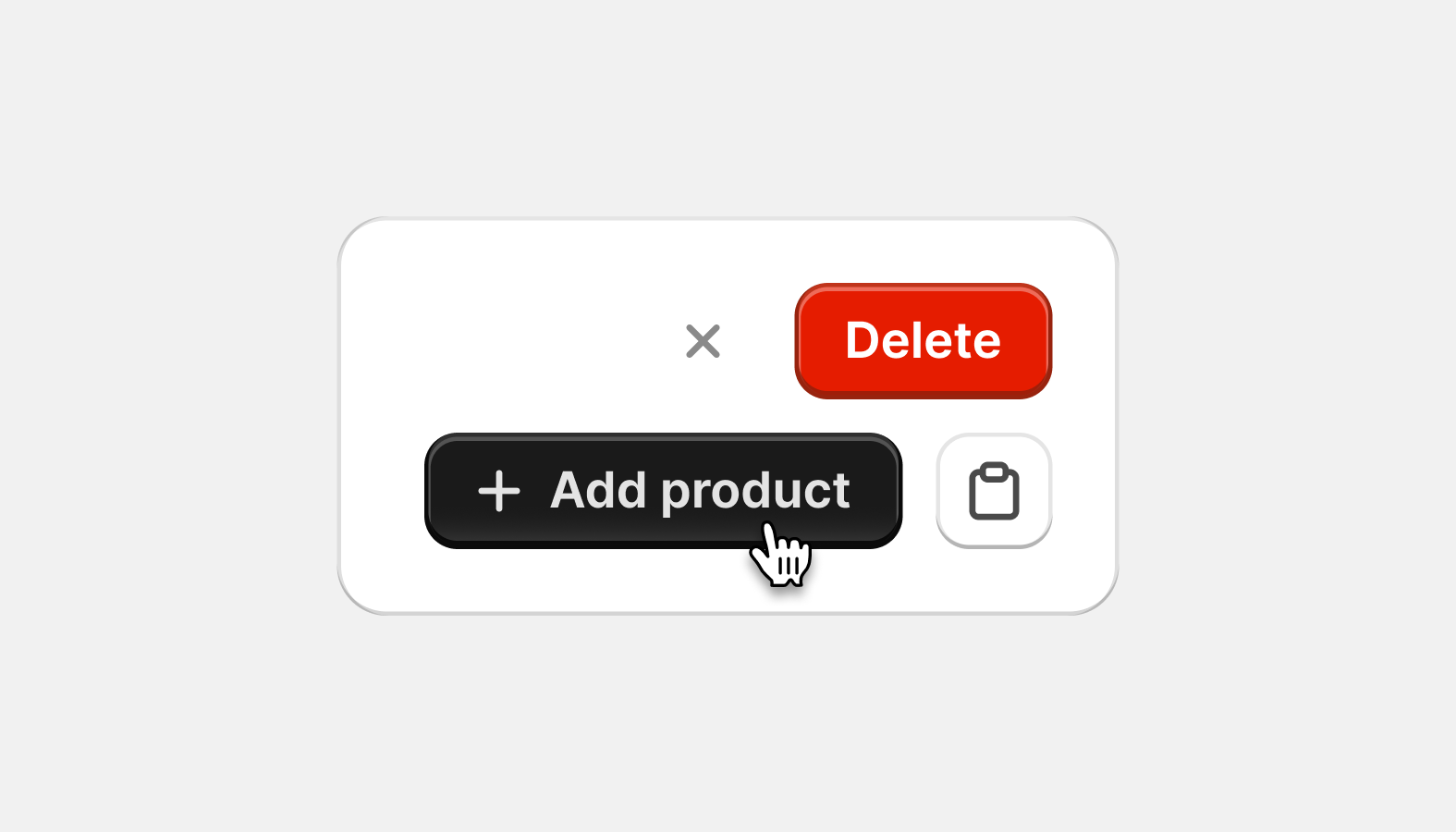
Common actions
Standardizing recurring actions gives merchants a predictable way to complete common tasks.
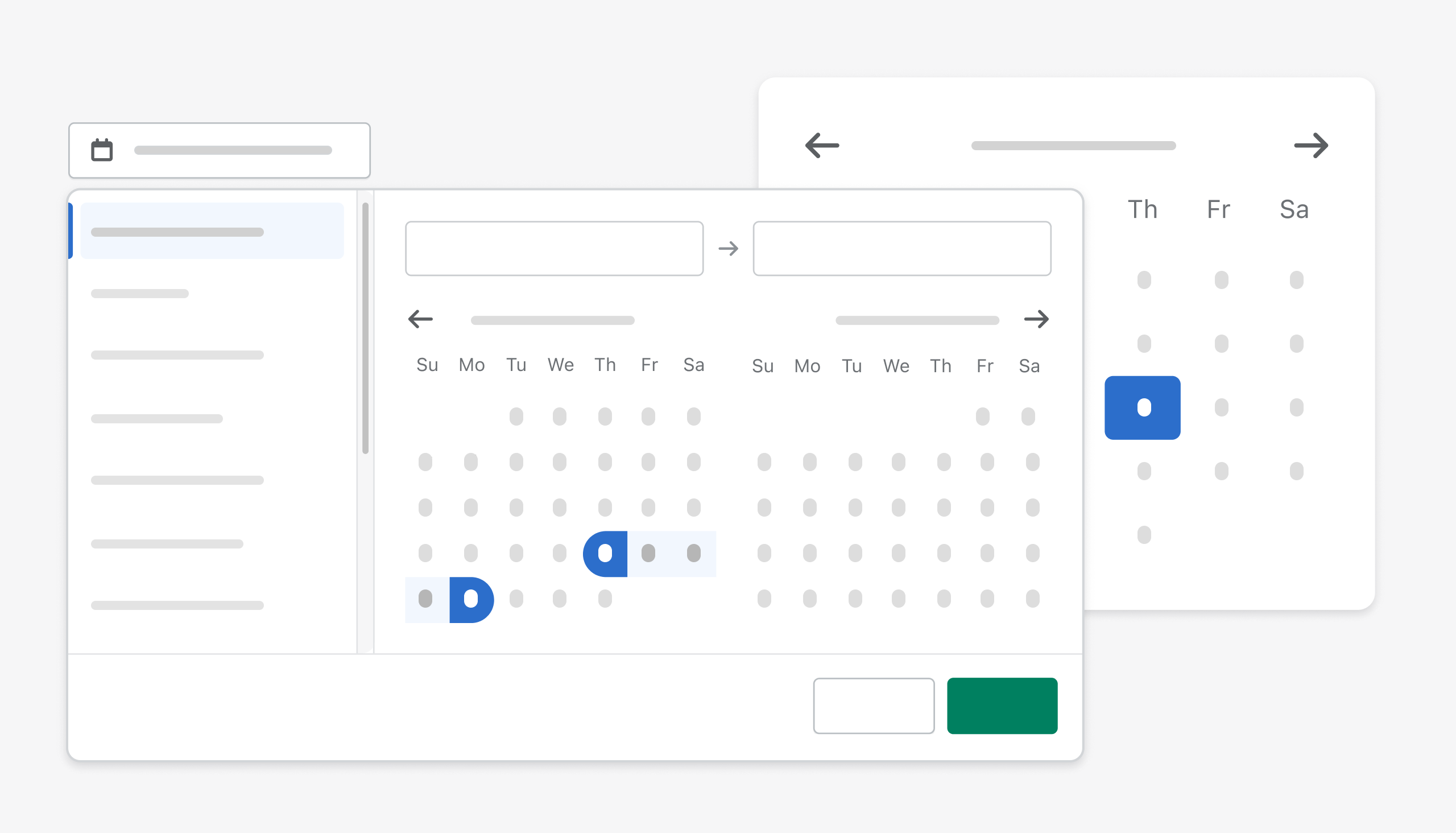
Date picking
Select a date or a date range
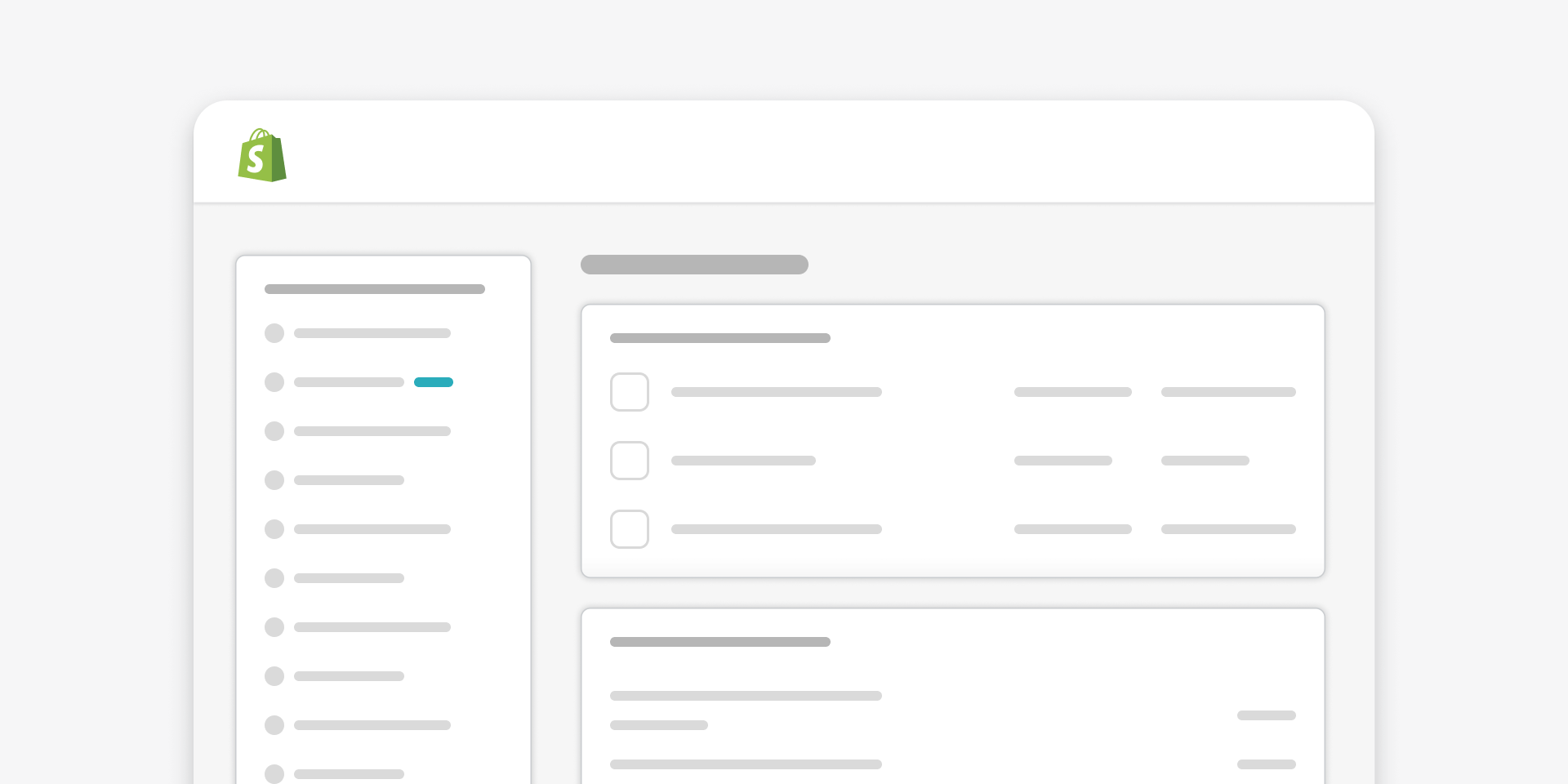
New features
Highlight new features for merchants
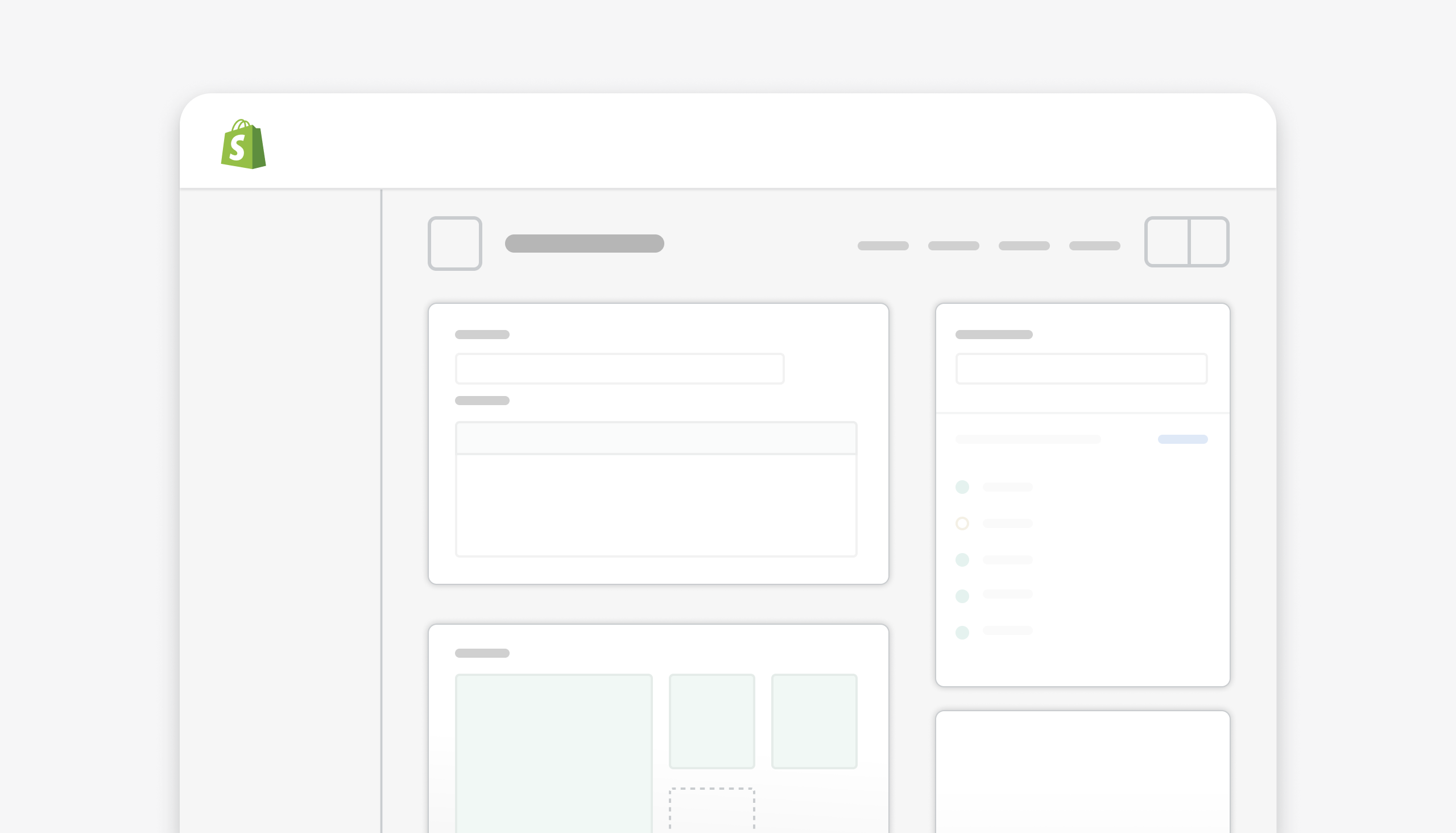
Resource details layout
Create, view, and edit resource objects
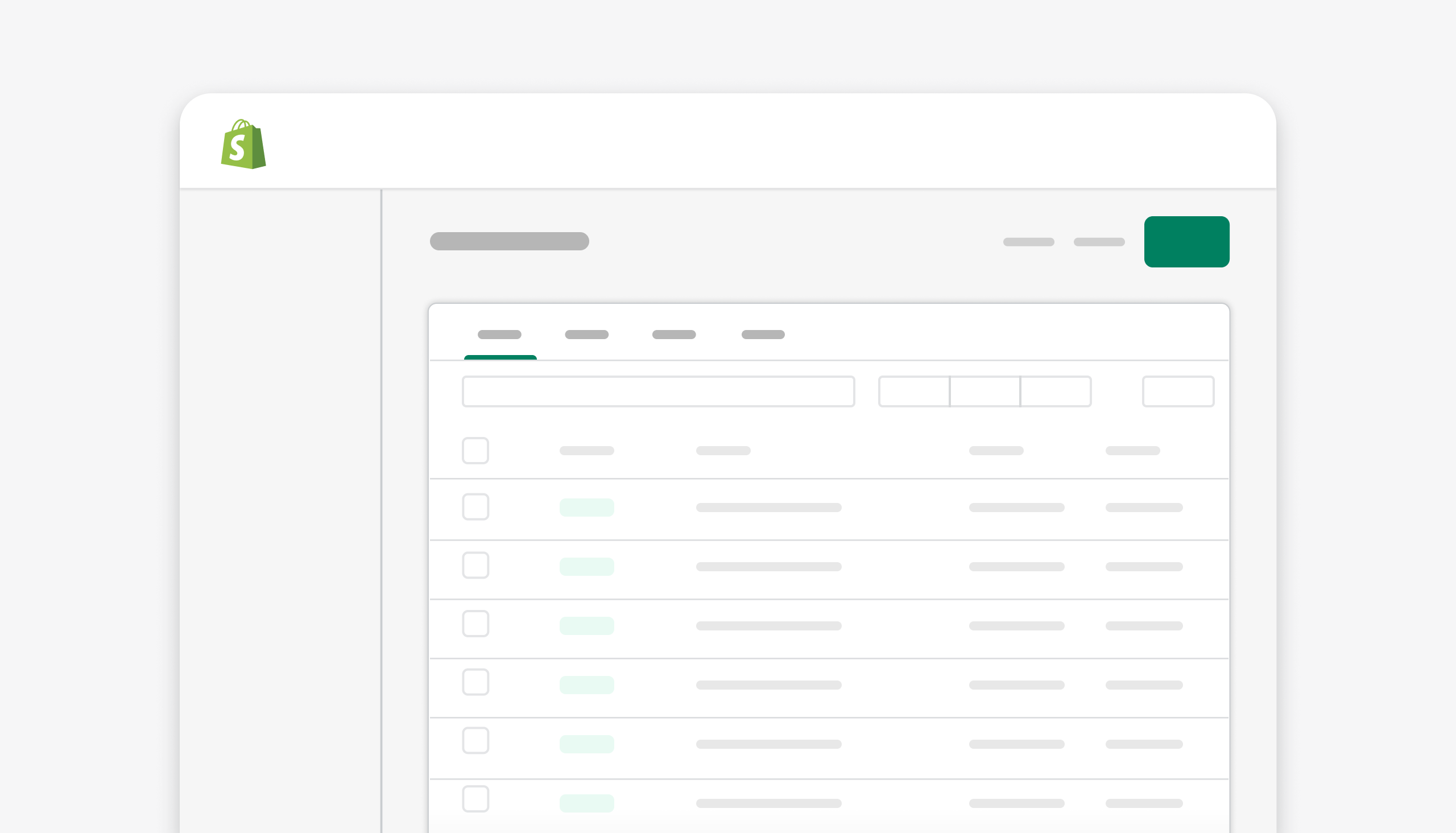
Resource index layout
Organize and take action on resource objects
Archived documentation
These guidelines are safe to use and will be updated to the new documentation format in the near future.
Loading
Navigating the Shopify admin should be fast, meaningful, and focused. Intentional loading states deliver a continuous flow for merchants.
New badge
The New badge can be used to inform merchants about the release of a feature that creates new value. It should be used sparingly and for a short time frame.
Pickers
Picker experiences help merchants browse, find, and select from multiple options. Use them for selecting locations, customer segments, and more.
Text fields
Text fields combine the field label (the title) and the input area. Inputs can vary from typed text to URLs to date pickers.